

Framer Prelaunch Checklist [Notion template]
Feb 16, 2026
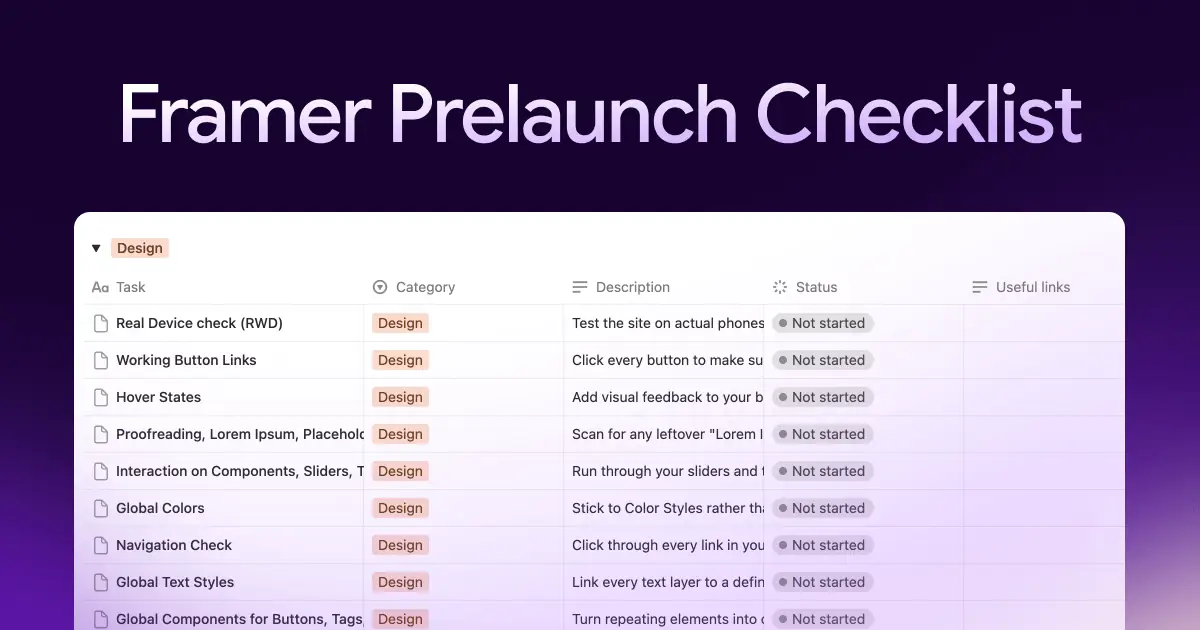
Many Framer projects stumble at the finish line. It’s rarely a tool issue, but more like the "last 5%" syndrome. In the rush to hit 'Publish', it's easy to overlook a broken mobile link, a missing favicon, or misconfigured Open Graph tags that make your LinkedIn shares look broken.
At Sourcepeak, we don’t rely on memory, but on a repeatable processes (also, we call them sources here)
This is the exact same checklist we published on the Official Framer Marketplace, but evolved for your internal workflow. While the tutorial tells you what to do, this article provides the how. Specifically, we’ve packaged this entire process into a Notion template you can duplicate, so you can stop worrying about "what did I miss?" and start launching with confidence.
The Framer Prelaunch Checklist is divided into 7 categories. We use these to audit every site. Notion template is a gamechanger here.
Design
Visual consistency is what separates a professional site from an amateur one. Small glitches, like buttons that don't react to hovers or text overlapping on specific tablet widths, signal a lack of polish to any visitor.
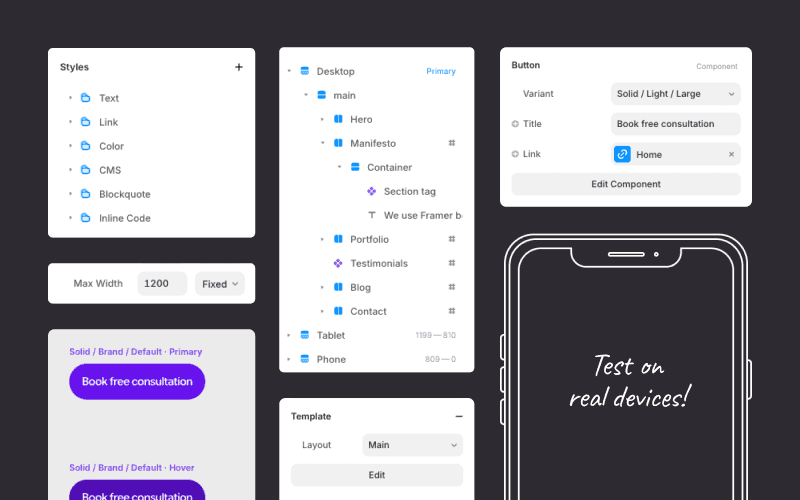
The focus here is on testing every breakpoint manually to ensure no text overflows or "hangs" awkwardly between desktop and mobile views. Every hover state and scroll animation should feel responsive rather than distracting. It is also vital to confirm every image and visual asset loads correctly, ensuring no broken icons remain in hidden layers.
Setup
These technical details form the "plumbing" of the project. If ignored, the site feels like a default template rather than a custom-built solution. Proper configuration ensures the site looks intentional from the very first click.
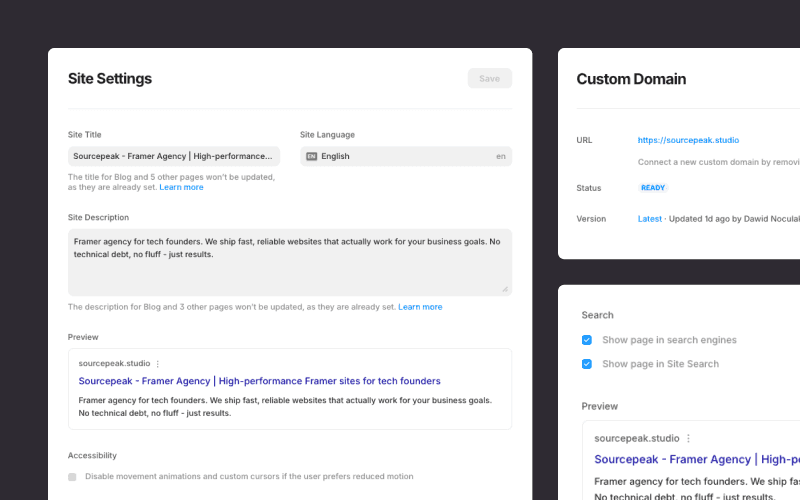
Key checks include setting a favicon and social share images so the link appears professional when shared on platforms like Slack or LinkedIn. A custom 404 page is another small but necessary detail to keep users within the site's ecosystem if they hit a dead link. Finally, every page title should be properly formatted in the project settings.
SEO & Accessibility
Search engines and screen readers rely on a clean, predictable structure. If the technical hierarchy is messy, the site loses visibility in search results and becomes unusable for visitors with visual impairments. High-quality underlying code is a prerequisite for long-term performance and ranking.
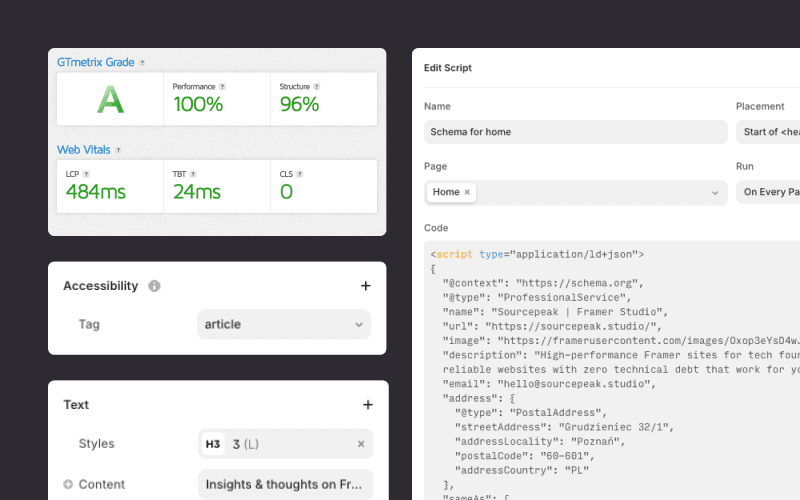
The focus here is on reviewing the heading structure to ensure there is only one H1 per page and that H2 through H4 tags follow a logical, descending order. Every meaningful image requires descriptive Alt Text, and the site language must be correctly set in the project settings. A final check of color contrast ratios ensures all text remains readable for every visitor.
Forms
The contact form is usually the primary conversion point of the entire site. If a form fails, the website’s main business goal fails with it. Reliability in this area is non-negotiable for capturing leads and maintaining user trust throughout the customer journey.
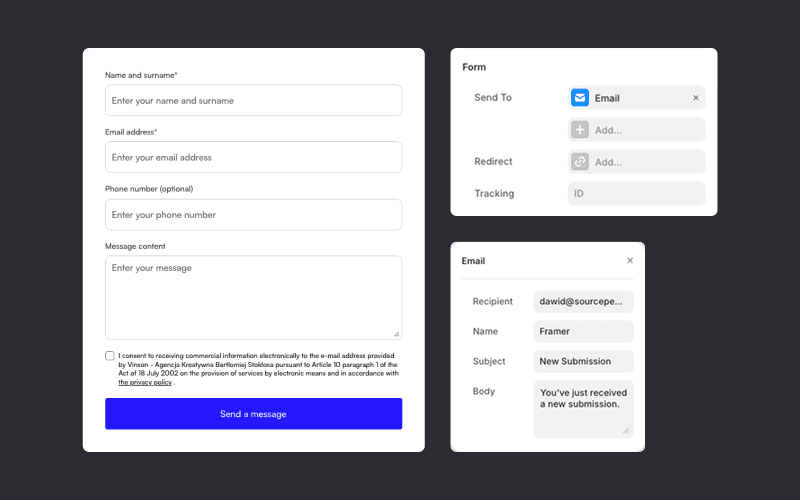
Every input field needs a live test to confirm that the success message triggers correctly and that any automated redirects lead to the intended "Thank You" page. Beyond the front-end, the recipient email address must be verified, and the "From" name should be set to something recognizable.
Legal
Compliance is often overlooked but remains a critical part of a professional launch. Ensuring the site meets basic legal requirements protects both the brand and its users, particularly regarding data privacy and intellectual property.
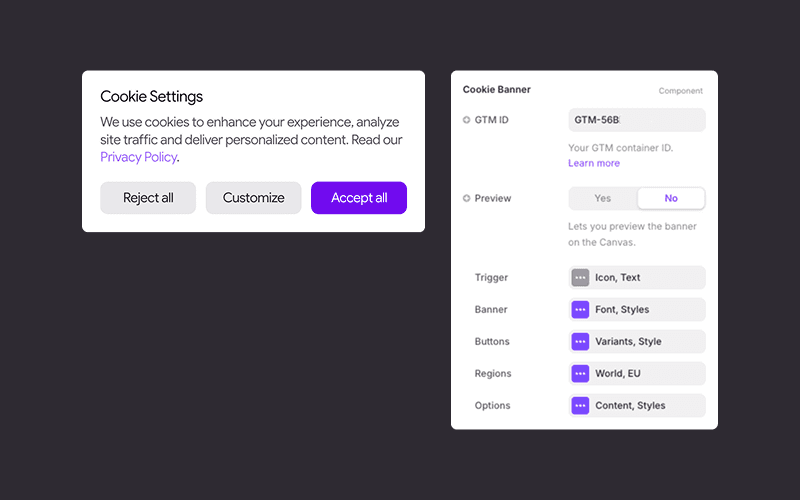
This step involves verifying that the Privacy Policy / Terms of Service pages are live and correctly linked in the footer. If the site uses tracking scripts or cookies, the consent banner must be active and functional. It is also the time to double-check that all custom fonts and third-party assets have the appropriate licenses for production use.
CMS
Dynamic content needs to be as stable as static pages. A broken CMS setup can lead to empty pages or missing data, which creates a disjointed experience for users navigating through blog posts, portfolios, or team directories.
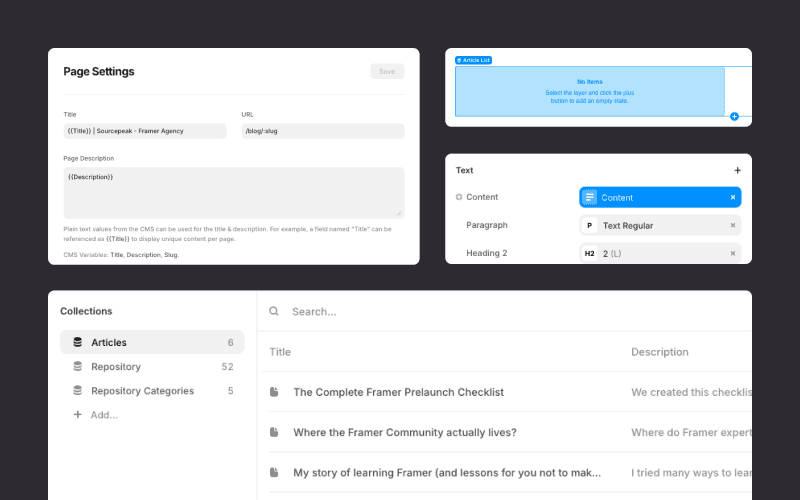
The check centers on ensuring every CMS field is correctly mapped to its corresponding element on the canvas and meta tags. This includes verifying that "Slug" structures are clean and that all placeholder content has been replaced with final, production-ready data. Testing the filtering and sorting logic ensures that collection lists display exactly what they are supposed to.
Tools & Integration
A professional site measures success through data. This final phase connects the tracking and indexing tools that verify if the site is performing its job correctly and appearing in search results as intended.
The focus is on linking the domain to Google Search Console to monitor search performance, submit sitemaps, and resolve crawl errors. It also involves connecting Google Tag Manager to centralize tracking scripts and marketing tags without cluttering the project code. Finally, integrating analytics and heatmap tools like Google Analytics or Hotjar provides the necessary insights into user behavior to identify where to improve the experience.
Framer Prelaunch Checklist [Notion template]
A checklist is only as effective as its execution. While the technical points provide the "what," managing a launch across different projects requires a "where." To move from reading to doing, this entire framework is available as a Notion template designed to be duplicated into any workspace.
This template transforms the official marketplace tutorial into a functional project management tool. It allows for tracking progress in real-time and provides a clear, shareable format to ensure no technical detail is missed during the final push to production.